Randon Birthday Project 2026
Happy birthday and welcome back, Randon! While patiently awaiting your return, the Randonnites have created a couple birthday presents for you!Please note that all presents are stream-safe, if you should choose to show it off!

What is a shimeji?
"Shimeji are little desktop companions that run around your computer screen, be it mischief or cuteness depending on the shimeji you use!" (from the official shimeji-ee website)A team of Randonnites has made a mini-Randon that can run around your desktop, run around, have a sit, cause some havoc, and even... multiply!?
Download Instructions
Download the "Randon Shimeji" ZIP file using the button below.
Make sure Java 8 (or the latest version) is installed. If it isn't, you can download it from the official Java site.
Unzip the "Randon Shimeji" file and double-click the Shimeji-ee file (Shimeji-ee.jar). If done properly, a tiny Randon will drop into your desktop and start walking around! Feel free to pick it up or just watch it as it moves around!
Right-click one tiny Randon for additional options and behaviors.
Also refer to the readme.txt file in the ZIP file for more information.
(optional) If you want to edit which windows the Shimeji can interact with, direct to the "conf" folder in the file and open the "settings.properties" file in Notepad. In the line that says "InteractiveWindows=" you can add programs like Discord, Google Chrome, etc. as long as they're separated by slashes. e.g. "InteractiveWindows=Notepad/Discord/Google Chrome"
How to Share via OBS
These are instructions for sharing how the shimejis look on your screen without using "Display Capture" on OBS. This is also completely optional and only if you want to share the shimejis live on-stream.
While Shimeji-ee is running, right-click on the Shimeji-ee tray icon on your taskbar (or on the chevron arrow in your taskbar depending on your system).
Click on "Settings"
In the Settings window, choose the tab that says "Window Mode"
In this tab, make sure "Enable Windowed Mode" is checked. The dimensions can be however big you'd like, but we'd recommend using your desktop size (i.e. 1920 x 1080). Make sure the color is set to the default greenscreen color. Click Done.
In OBS, create a new "Window Source" and use the Shimeji-ee Window (for us it was titled "[javaw.exe]: Shimeji-ee") and make sure to use the Windows 10 capture method.
Resize the window so that it fits within your stream set-up.
In your OBS sources, right-click the Shimeji-ee Window Source and click on "Filters"
Click the + sign under where it says Effect Filters and add a "Chroma Key." Because mini-Randon's screen is also green, set the "Similarity" to 350 so that Randon doesn't also get Chroma Key'ed out!
If done correctly, your stream should be able to see your shimejis on your screen!
And if it doesn't work out, no worries! We hope you enjoy the shimeji, regardless!
Kudoboard Staff
Project Lead: pao / @paopandan (twitter)
Submissions Manager: Kale / @whathekale (twitter)
Kudoboard Proofreaders
ArchaicBro / @archaicbro (bsky)
Calxiyn / @Calxiyn (twitter)
Plum / @Staged_Plum (twitter)
shiopi / @__shiopi
Kuro (Daia) / @kurodaia_vt (twitter), kurodaia (bsky)
urazov / @urazov
verdandi / @nogoldenapples (twitter)
Shimeji Desktop Buddy Contributors
Project Lead: Mowo / @ieka95 (twitter)
Danshi / @0danshi0 (twitter)
hemkin /@hemkin_ (twitter)
Hux / @Hux1nl0ve (twitter, bsky)
Remien / @remiiien
Yuki / @Yuki_ENVT (twitter, tiktok, twitch), yuki-envt (bsky)
Ren Faire Website Staff
Project Lead: pao / @paopandan (twitter)
UI/UX Manager: Vivi / @cerulean_vivi (twitter)
Ren Faire Asset Artists
ArchaicBro / @archaicbro (bsky)
CieloSlug / @cieloslug (twitter, bsky)
danshi / @0danshi0 (twitter)
Heavily Salted Fish / @UR_Cmae
Hux / @Hux1nl0ve (twitter, bsky)
Kale / @whathekale (twitter)
KayKay / @loneturtledove
Kuro (Daia) / @kurodaia_vt (twitter), kurodaia (bsky)
lunastreia (dreamy) / dreamylunaria (twitter), dreamylunastreia (yt, twitch, bsky)
pao / @paopandan (twitter)
TogeNebula / @TogeNebula
XenithXander / @PsiioniicHearts (twitter)
Yuki / @Yuki_ENVT (twitter, tiktok, twitch), yuki-envt (bsky)
Ren Faire Background Artists
CieloSlug / @cieloslug (twitter, bsky)
Mowo / @ieka95 (twitter)
Nendoka / @HDTQW5
pao / @paopandan (twitter)
Skylimit / @SkylimitArt
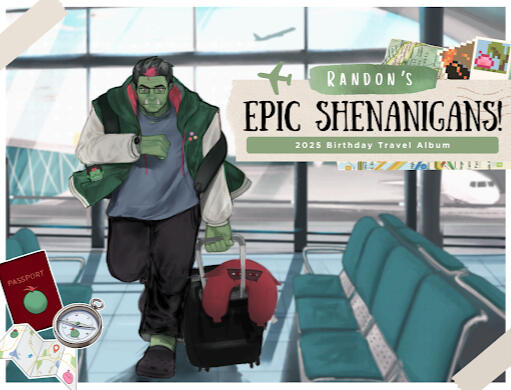
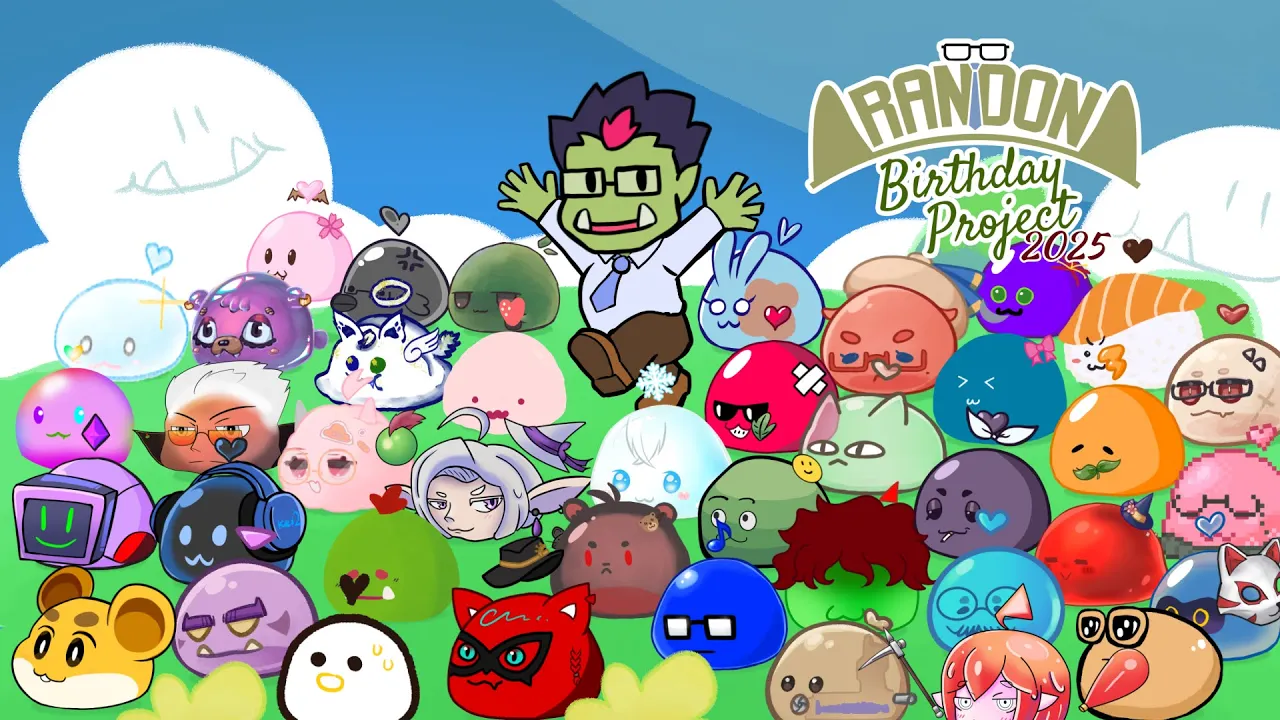
2025: Travel Album and Yoshi's Story Cover
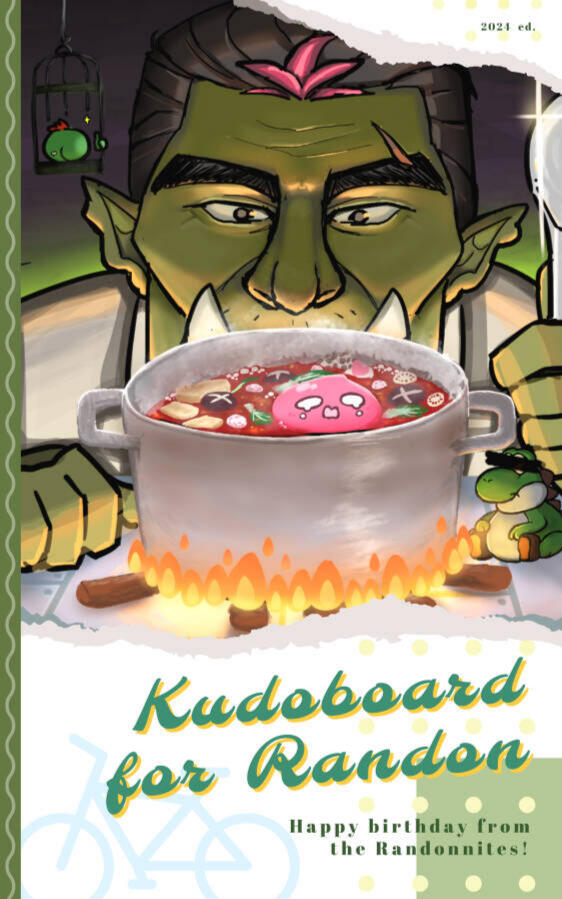
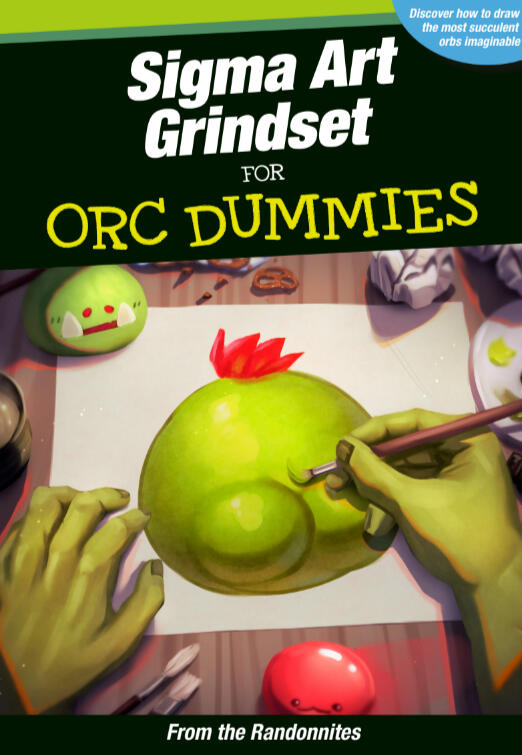
2024: Kudoboard and Artist Guidebook